The Locust's Manor Player Hub
Visual Escape Guide

The Locust's Manor Visual Walkthrough & Video Guide

Visual walkthrough for one public recorded run. Use the screenshots to understand what appears on screen, then jump to the matching video moment.

[COMMUNITY EVIDENCE] The Locust's Manor Visual WalkthroughChecked: 2026-10-17

Visual Walkthrough & Video Reference

See what appears on screen in one public recorded run, then open the matching video moment. That run was published on 2026-08-29, before the 2026-09-20 harder-gameplay update. The current build's Manor counters read KEYS 0/6 and LEVERS 0/4; community notes written before that update documented five coloured keys and two levers.

[OFFICIAL UPDATE CHECK • 2026-10-13]

The experience description was re-read on 2026-10-17 and now carries a section headed "HALLOWEEN UPDATE AND THE COME BACK". Its own list reads: "The game is back again better than before!", "Cat in the hat", "School map", "New Halloween decorations", "Halloween Events", "New Admin Abuses", "Season Pass", "New level system (up to lvl 300)", "6 new Emotes and 3 New Limiteds", "Medikit removed (now you can buy revive with coins)", "Bug Fixes" and "Better Ai". The same record shows its last update on 2026-10-13, and the 2026-09-26 read of the description did not contain this list.

The developer names these features without publishing their rules. This page therefore repeats the wording and does not describe Season Pass rewards, the level curve up to 300, or where Cat in the hat appears. The lobby map chooser in a 2026-10-17 recording shows six maps — Manor, Backrooms, Pool Rooms, The End, Forest and School — and the School map is the one whose monster is Cat in the hat.

The recorded run shown on this page was published 2026-08-29, before both the 2026-09-20 harder-gameplay update and the Halloween update, so treat its room order as dated evidence and re-check the live layout in game. The current Manor objective counters are recorded separately below.

Manor is one of six areas the lobby lists — see the maps and areas reference for each map's on-screen objective, the second-floor status and what is still unpublished.

This player embeds one public recording by codeshunterx4 (published Aug 29, 2026; length 4:33). The Roblox experience is created by FunGames26. This public third-party video is not official or creator-endorsed.

HUD Controls

On-Screen Movement Controls

Observed directly from the in-game objective HUD in the recorded video.

KEY PROMPT

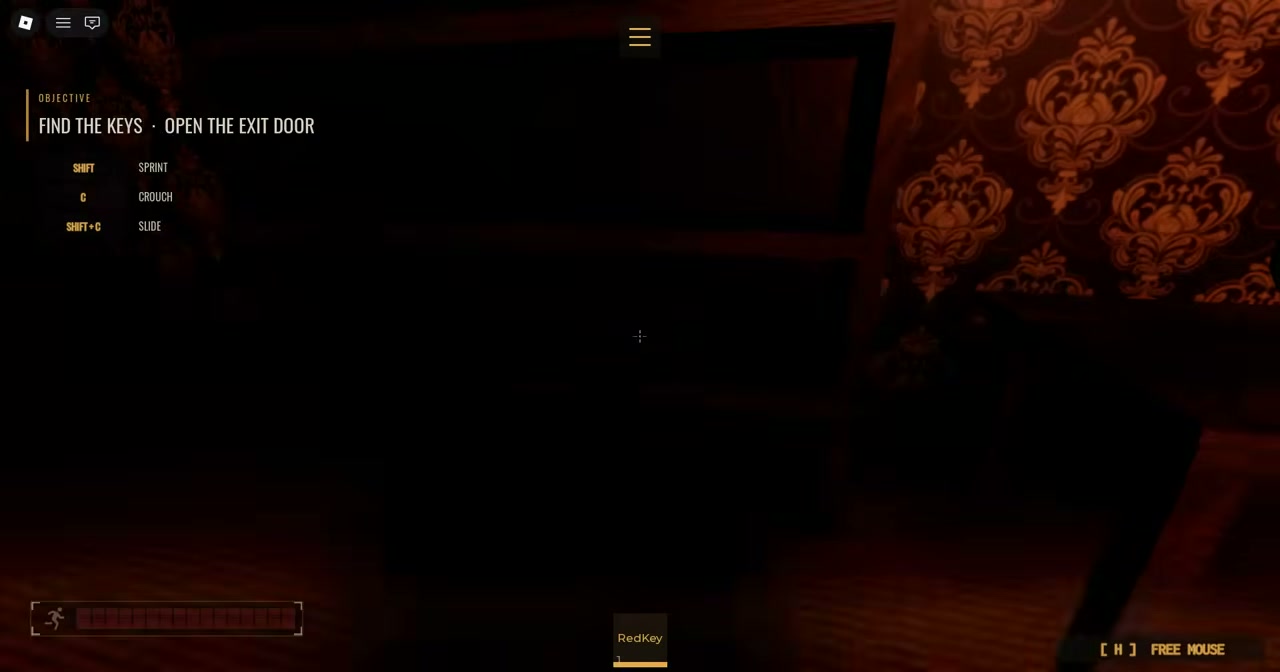
SHIFT — Sprint

KEY PROMPT

C — Crouch

KEY PROMPT

SHIFT + C — Slide

Text shown in this video's PC HUD; device support is not established here.
Visual Gallery

Observed Run Gallery & Chapter Anchors

Visual sequence captured from one public recorded run. Each card displays what appears on screen, notes the source marker, and provides a direct timestamp link to the source video.

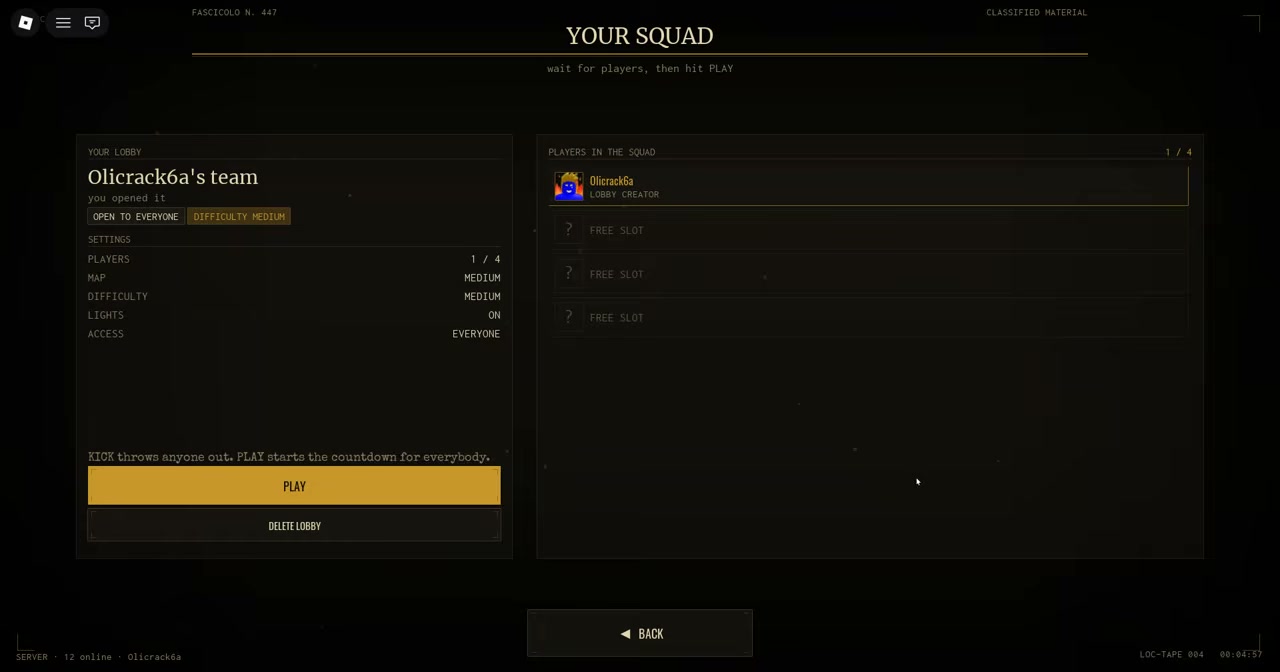
Pre-match lobby screen showing YOUR SQUAD roster, player list, options, and PLAY button
Frame 01

Your Squad lobby

Frame:00:00
Source marker:Video start
What appears: Lobby screen showing YOUR SQUAD roster, player list, options (Map, Difficulty, Lights, Access), and PLAY button.
Use this frame: Inspect the pre-match lobby interface and setup options shown in this recording.
In-game HUD displaying FIND THE KEYS • OPEN THE EXIT DOOR text banner and keyboard movement control prompts
Frame 02

Objective HUD

Frame:00:14
Source marker:Yellow Key
What appears: In-game HUD displaying exact text 'FIND THE KEYS • OPEN THE EXIT DOOR' and PC key prompts: SHIFT — Sprint, C — Crouch, SHIFT + C — Slide.
Use this frame: Inspect the on-screen objective text banner and PC movement prompts shown in this recording.
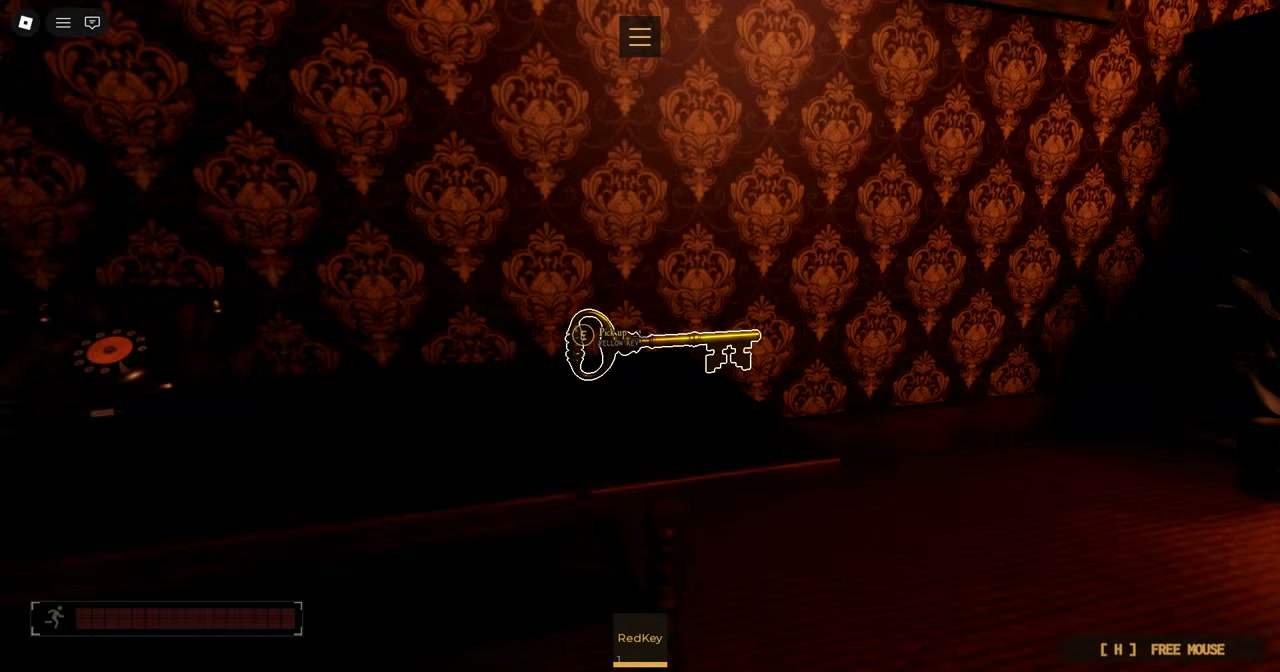
In-game view of glowing red key on floor with Red Key pickup prompt
Frame 03

Red Key pickup

Frame:00:25
Source marker:1st Lever (frame visibly shows Red Key pickup)
What appears: A glowing red key on the floor with an on-screen Red Key pickup prompt.
Use this frame: Inspect the visible Red Key pickup prompt on screen in this recording.
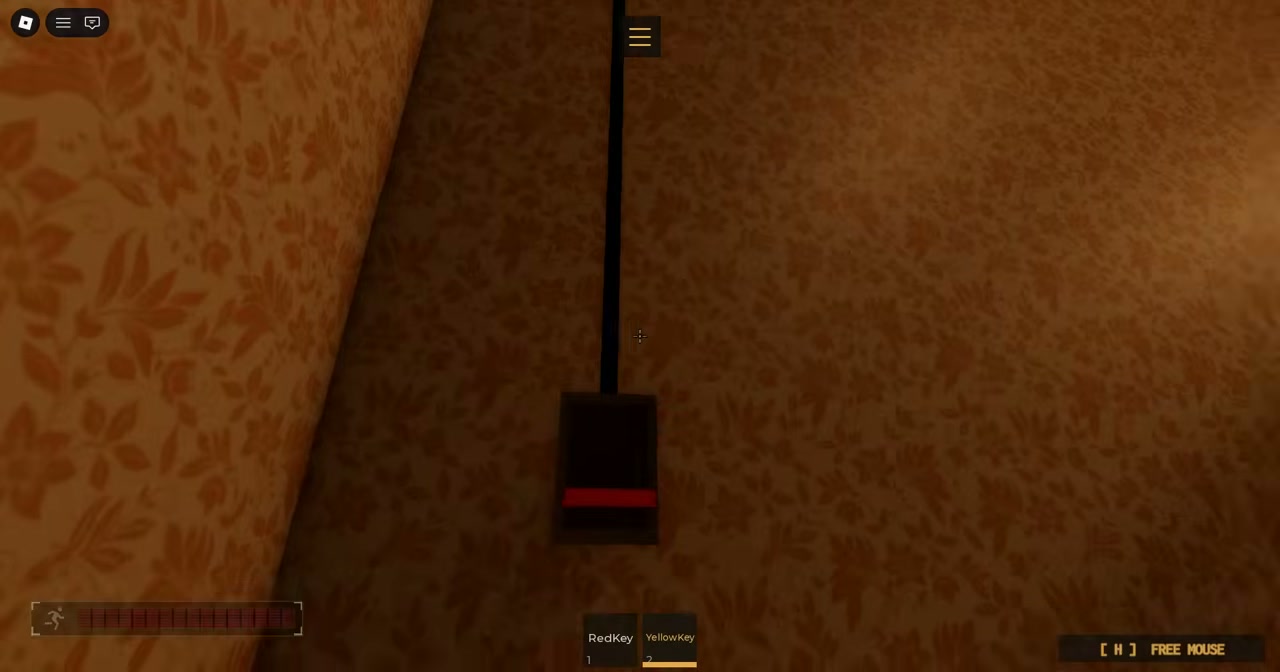
In-game view of interactive lever switch mounted on interior wooden pillar
Frame 04

Lever switch

Frame:00:48
Source marker:2nd Lever (frame visibly shows lever)
What appears: An interactive lever switch mounted on an interior wooden pillar in the manor.
Use this frame: Inspect the visible lever switch shown on screen in this recording.
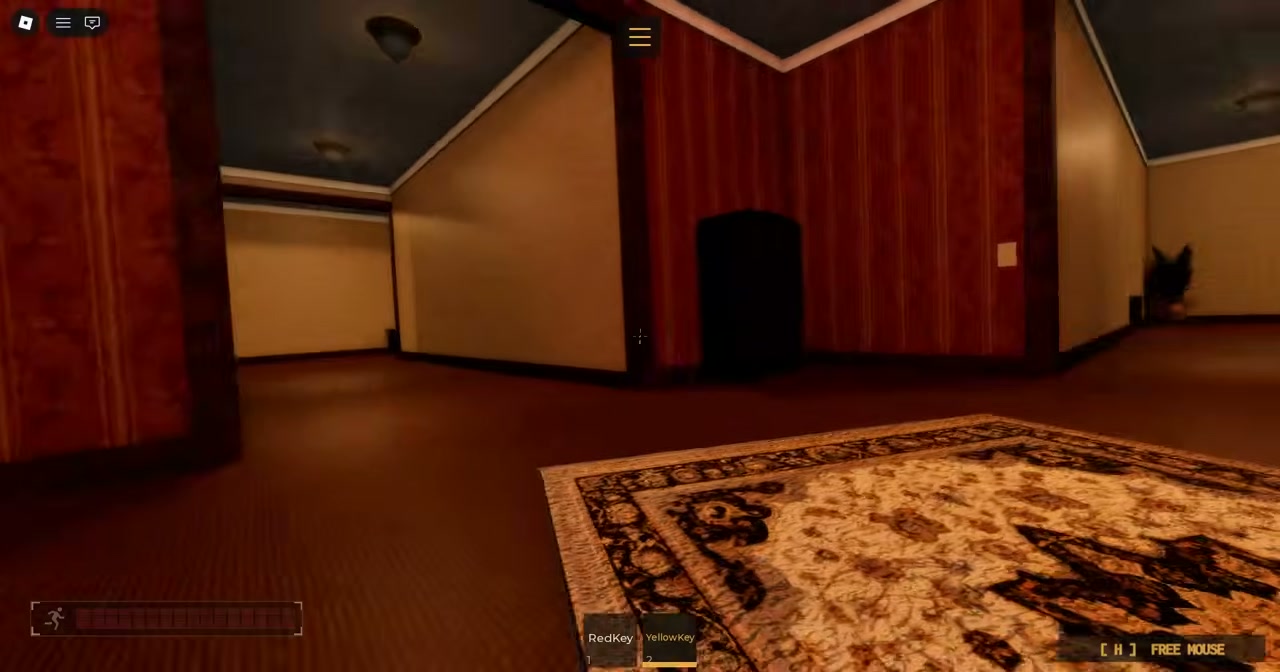
In-game view of manor interior hallway showing doorway, patterned wallpaper, and floor rug
Frame 05

Manor interior

Frame:01:22
Source marker:Green Key and Blue Key (frame visibly only shows manor interior)
What appears: Manor interior hallway showing a doorway, patterned wallpaper, and floor rug.
Use this frame: Inspect the manor interior hallway layout shown at this timestamp.
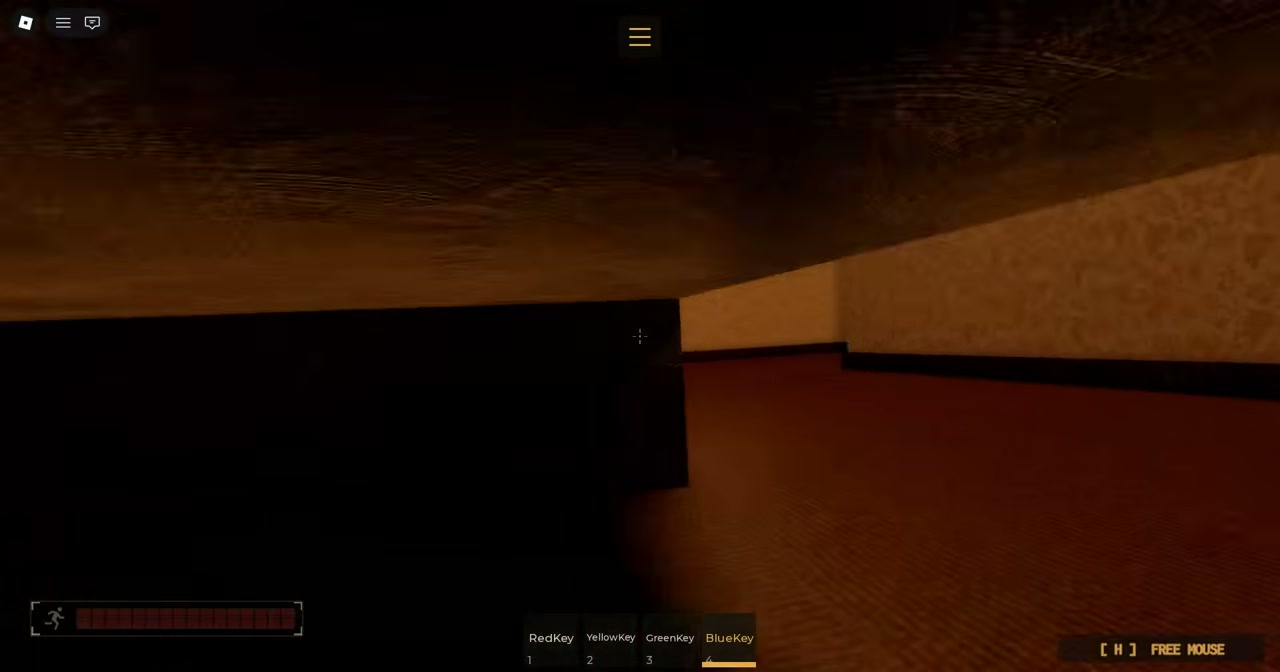
In-game view of dark interior corner of the manor
Frame 06

Dark interior view

Frame:02:26
Source marker:Purple Key (frame visibly only shows dark interior)
What appears: Dark interior corner and wooden wall structure of the manor.
Use this frame: Inspect the dark interior environment shown at this timestamp.
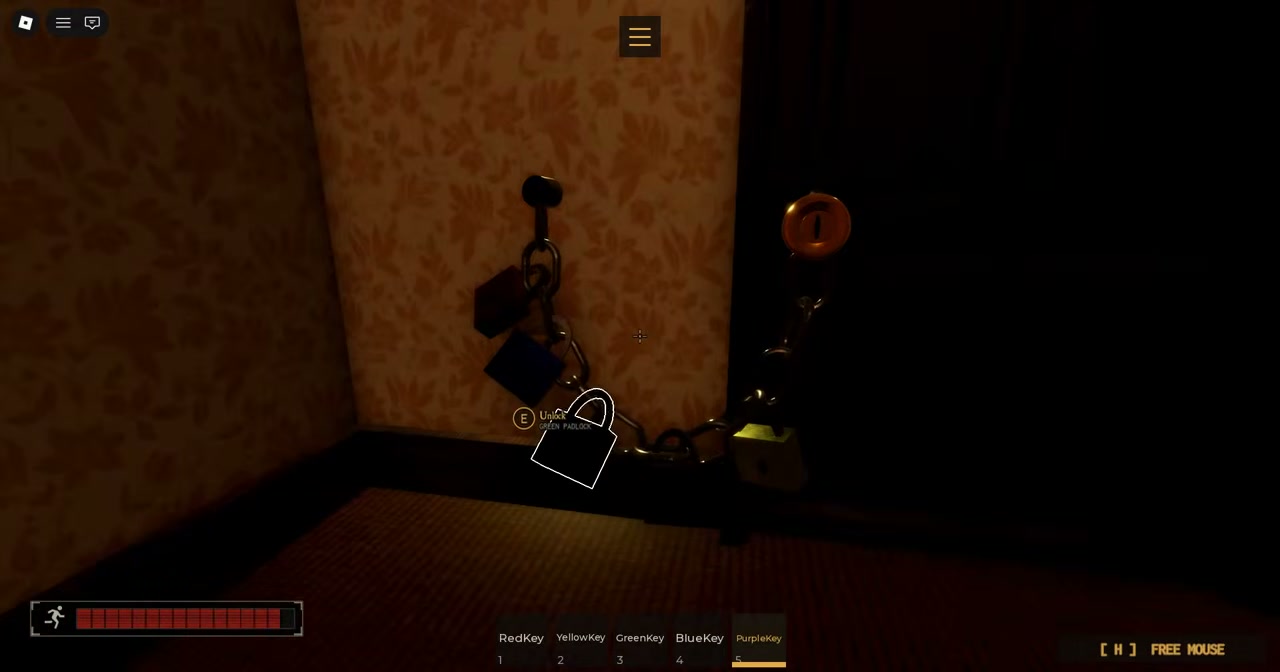
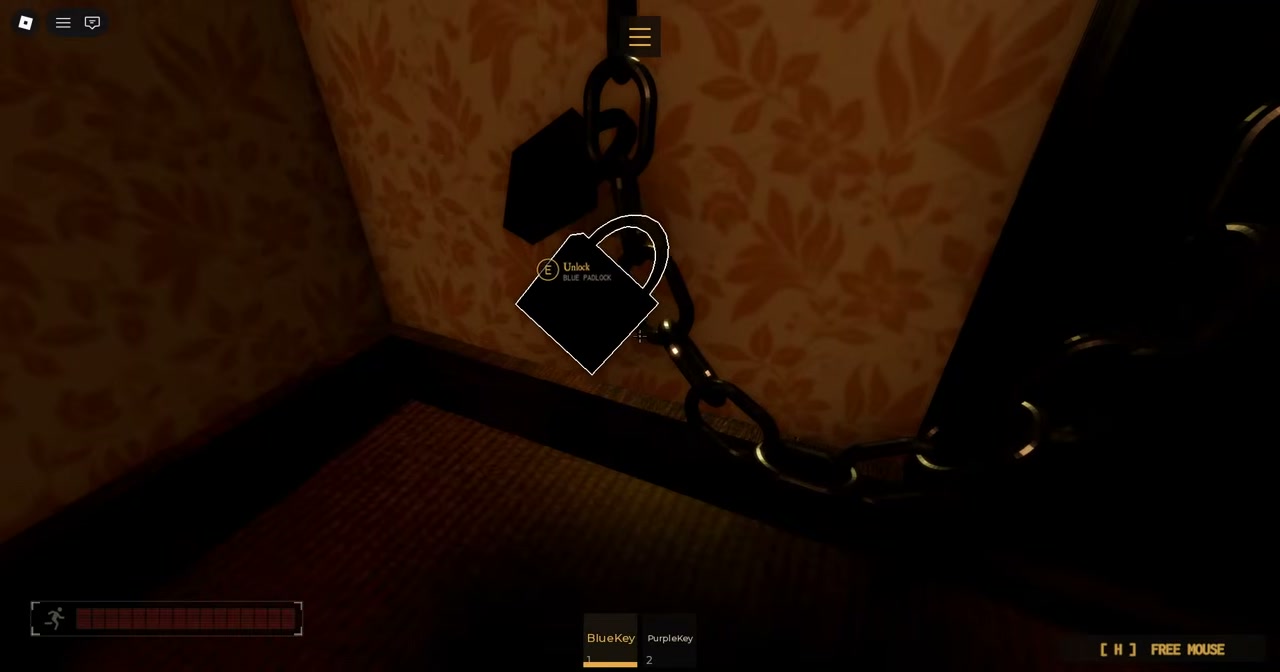
In-game view of exit doorway barrier with padlocks and chains visible
Frame 07

Locks and chains barrier

Frame:04:00-ish
Source marker:Nearby reference to Escape 03:45
What appears: Exit doorway barrier with padlocks and chains visible on screen.
Use this frame: Inspect the visible padlocks and chains at the exit doorway barrier.
In-game view of player character interacting at the exit doorway
Frame 08

Door interaction

Frame:04:20-ish
Source marker:Nearby reference to Escape 03:45
What appears: Player character interacting at the exit doorway.
Use this frame: Inspect the visible doorway interaction shown in this recording.
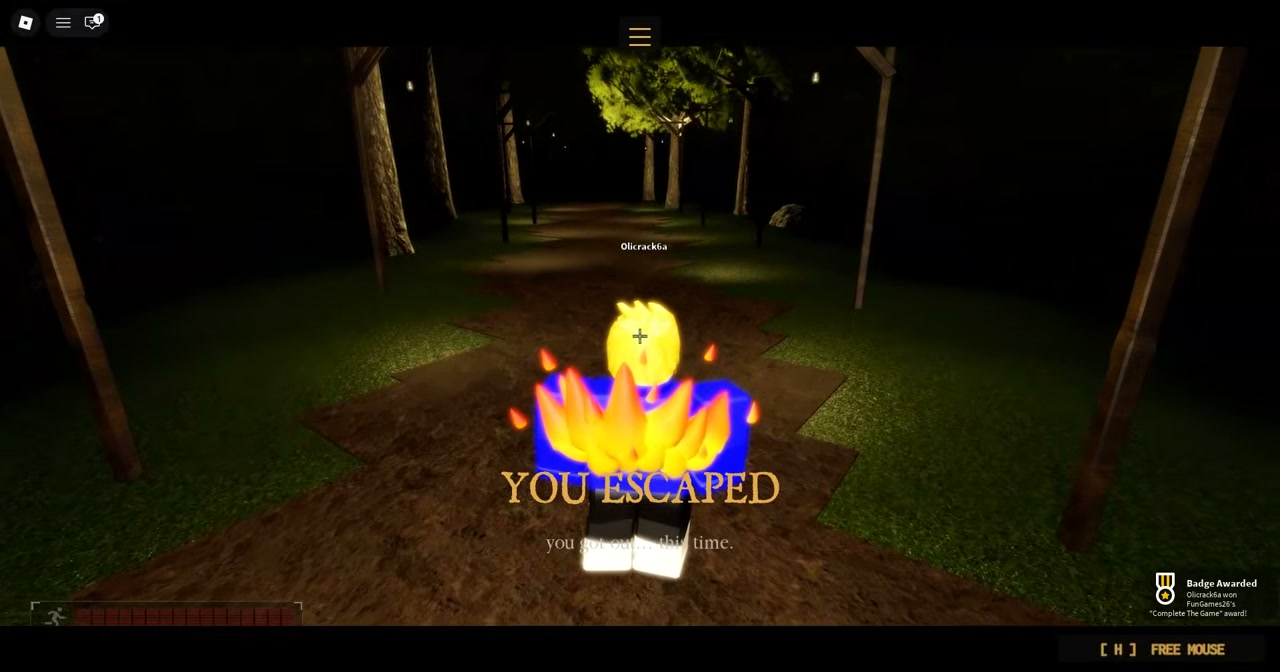
Match conclusion screen with YOU ESCAPED text against a dark background
Frame 09

Escape result screen

Frame:04:30-ish
Source marker:Nearby reference to Ending 04:25
What appears: Match conclusion screen displaying YOU ESCAPED text against a dark background.
Use this frame: Inspect the visible YOU ESCAPED conclusion screen in this recording.
Run Checklist

Community Objective Reference

The current Manor objective counts six keys and four levers on screen; five colour names are community-reported and the white key was read from the 2026-09-21 recording. Browser-local manual aid, not synced.

HUD COUNTER + COMMUNITY REPORT

Six Keys

The objective counter requires six keys. Five colour names are community-reported; the white key appears by name in the dated recording:

  • Red Key
  • Yellow Key
  • Green Key
  • Blue Key
  • Purple Key
  • White Key (2026-09-21 recording)
HUD COUNTER

Four Levers

The objective counter requires four levers, and the exit door shows four indicator lights — one per lever. Mark each one as you flip it:

  • Lever 1
  • Lever 2
  • Lever 3
  • Lever 4

Companion tool note: This checklist is a browser-local manual aid and is not synced with live Roblox game memory.

Open manual checklist →
Evidence Limitations

Recording Limitations

Distinguishing visual observations from one public recording from unverified mechanics.

Single Run Recording

This video documents one recorded run from Aug 29, 2026; it does not establish a universal route or permanent layout for future updates.

Item Placements & Spawns

Item locations seen in this recording do not establish fixed spawn rules or room mechanics across server instances.

Monster Behavior

The recording does not establish monster AI formulas, detection radii, or patrol tactics.

Independent Source

This is an independent player recording by codeshunterx4; it is not official or creator-approved by FunGames26 or Roblox Corporation.

Community Notes & Badges

Recorded Community Notes & Official Badge Descriptions

Public community observations alongside exact descriptions from the official Roblox Badges API.

[COMMUNITY REPORT]

Key Recovery After Elimination

Community reports say a carried key may be recoverable after an elimination; this is not independently verified here.

[COMMUNITY REPORT]

Player Revives

Community reports state that players can revive another player during an active match.

• Official badge description: Revive ("Use a Revive")

• Developer description notice (2026-09-20): "Like & Join Group For 1 FREE Revives!"

[COMMUNITY REPORT]

Modifier Combinations

Community reports state that Impossible Mode can pair with Lights Out.

• Complete In Impossible Mode: "Beat the game in Impossible Mode"

• Lights Out: "Play the game with lights off"

• Complete The Game: "Simply beat the game"

Companion Tools

Companion Tools & Links

Navigate to related tracking tools and verified game references.

FAQ

Frequently Asked Questions

Common questions about The Locust's Manor escape objectives and mechanics.

How many keys and levers does the current Manor objective need?

The on-screen counters read KEYS 0/6 and LEVERS 0/4 in the dated 2026-09-21 and 2026-10-17 recordings of the current build, and the exit door carries four indicator lights, one per lever. Five colour names (Red, Yellow, Green, Blue, Purple) come from older community notes, a White key appears by name in the 2026-09-21 recording, and the sixth colour is not published here. Routes written before the 2026-09-20 harder-gameplay update describe five keys and two levers.

What happens when a player holding a key is eliminated?

Community reports say a carried key may be recoverable after an elimination; this is not independently verified here.

Can Impossible Mode and Lights Out be played together?

Community reports state that Impossible Mode can pair with Lights Out.

What are the official descriptions for the game completion and modifier badges?

Official Roblox Badges API descriptions state: Complete The Game ('Simply beat the game'), Complete In Impossible Mode ('Beat the game in Impossible Mode'), Revive ('Use a Revive'), and Lights Out ('Play the game with lights off').

What does the developer description state about revives?

The official Roblox place description states: 'Like & Join Group For 1 FREE Revives!' (re-checked 2026-10-17). The same description's Halloween update list adds 'Medikit removed (now you can buy revive with coins)'.